
Find what's true. Leave people alone.
Osintian teaches open-source intelligence the careful way: how to check a photo, a message, a website or a company with public sources, how to record what you found, and how to see what is out there about you.
 Read the detailLog where and whenCompare with a map
Open-source intelligence is a checked, sourced answer built only from information anyone may lawfully see.OSINT · noun · /ˈoʊ.sɪnt/
Public web pages, news reports, archived pages, maps and satellite images, official registers, court records, the data inside a photo file. Journalists use them to check a claim before they print it. Fraud teams use them to spot a fake company. You can use them to check a text message before you tap the link.
The skill is not finding more. It is asking one good question, checking each answer twice, and writing down how you know. That is what this site teaches, one skill per page, with the lawful purpose named first.
What it is not
- Looking up a private person
- Following someone's location
- Getting past a login or a privacy setting
- Using leaked or stolen data
- A background check for a hiring or tenant decision
Start from one question. Branch only as far as you need.
Every topic on Osintian is a branch of the same method. Pick the one that matches the question in front of you: a photo, a message, a company, or your own exposure. Each topic page holds the steps, the law, and the 35 guides we are writing.
Is it real? Is it a scam? Is this company what it claims? What can a stranger see about me?
- 01Photo Metadata6 guidesRead what a photo file says about itself, and strip it from your own photos before you share.
- 02OSINT Tools and Basics5 guidesWhat open-source intelligence is, the method behind it, and the tools sorted by the job they do.
- 03Digital Footprint Self-Check5 guidesRun open-source research on yourself: see what is out there about you, then fix what you can.
- 04Scam Texts and Emails9 guidesCheck a suspicious text or email with public sources before you click, then report it.
- 05Remove Your Information5 guidesA plan to take your own details off search results and people-search sites, one opt-out at a time.
- 06Company Checks5 guidesDue diligence on a business with official registers: is the company real, active and who it says it is?
Six case files, opened for anyone to learn from.
Each topic starts with what you are allowed to do and why, then walks through the work the way a careful researcher does it: steps, records, the law, and where the line sits.
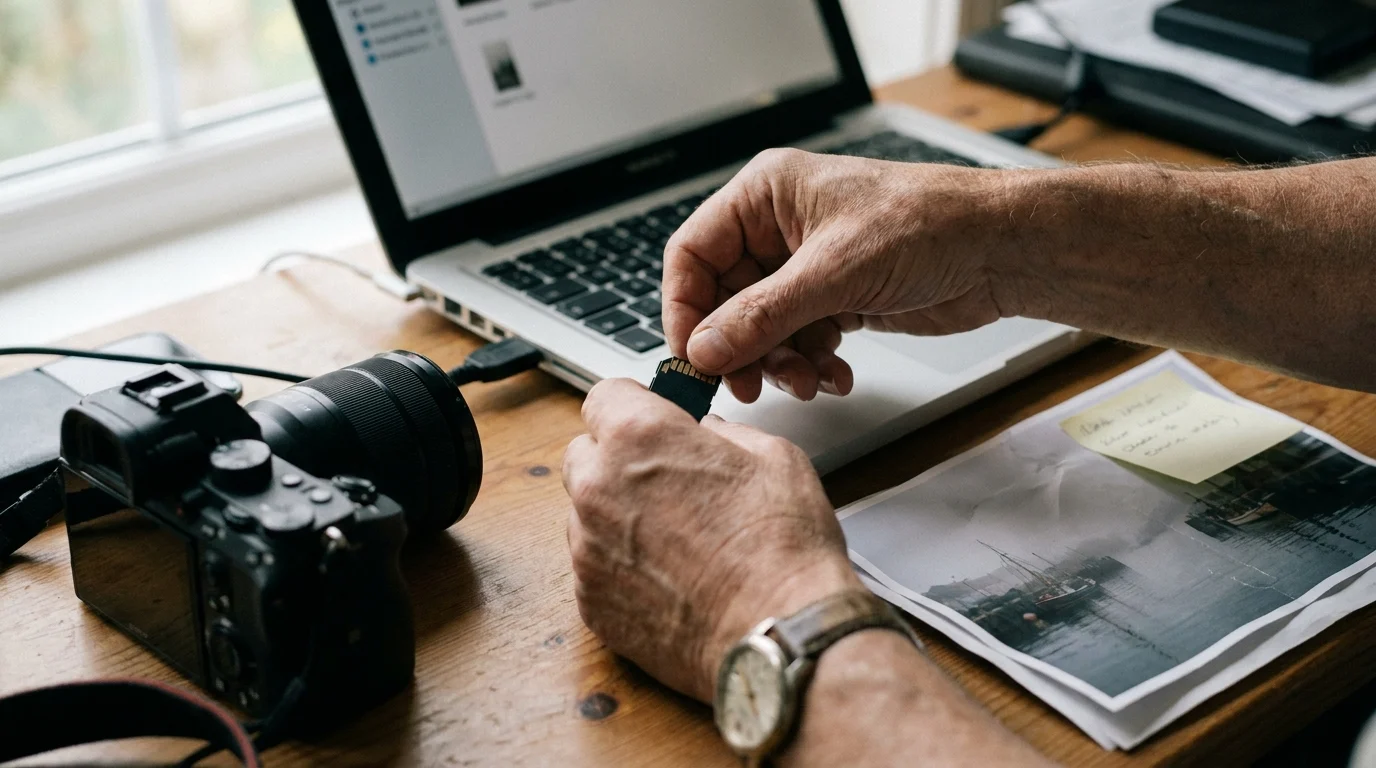
Photo Metadata
Read what a photo file says about itself, and strip it from your own photos before you share.
- How to get metadata from a photo, on phone and computer
- Remove EXIF data from your own photos before you share
- Remove photo metadata on iPhone

OSINT Tools and Basics
What open-source intelligence is, the method behind it, and the tools sorted by the job they do.
- Best OSINT tools, sorted by task
- Free OSINT tools for verification and self-checks
- The OSINT Framework: what it is and how to read it

Digital Footprint Self-Check
Run open-source research on yourself: see what is out there about you, then fix what you can.
- What is a digital footprint?
- How to find your digital footprint: the evening self-check
- Have I Been Pwned: check your own email, then act

Scam Texts and Emails
Check a suspicious text or email with public sources before you click, then report it.
- Scam text messages: how to check one before you click
- USPS scam text: the parcel fee message, checked
- DMV and toll text scams: the tells and the official warnings

Remove Your Information
A plan to take your own details off search results and people-search sites, one opt-out at a time.
- How to remove personal information online: the full plan
- Remove personal information from Google Search
- SmartBackgroundChecks opt-out for your own record
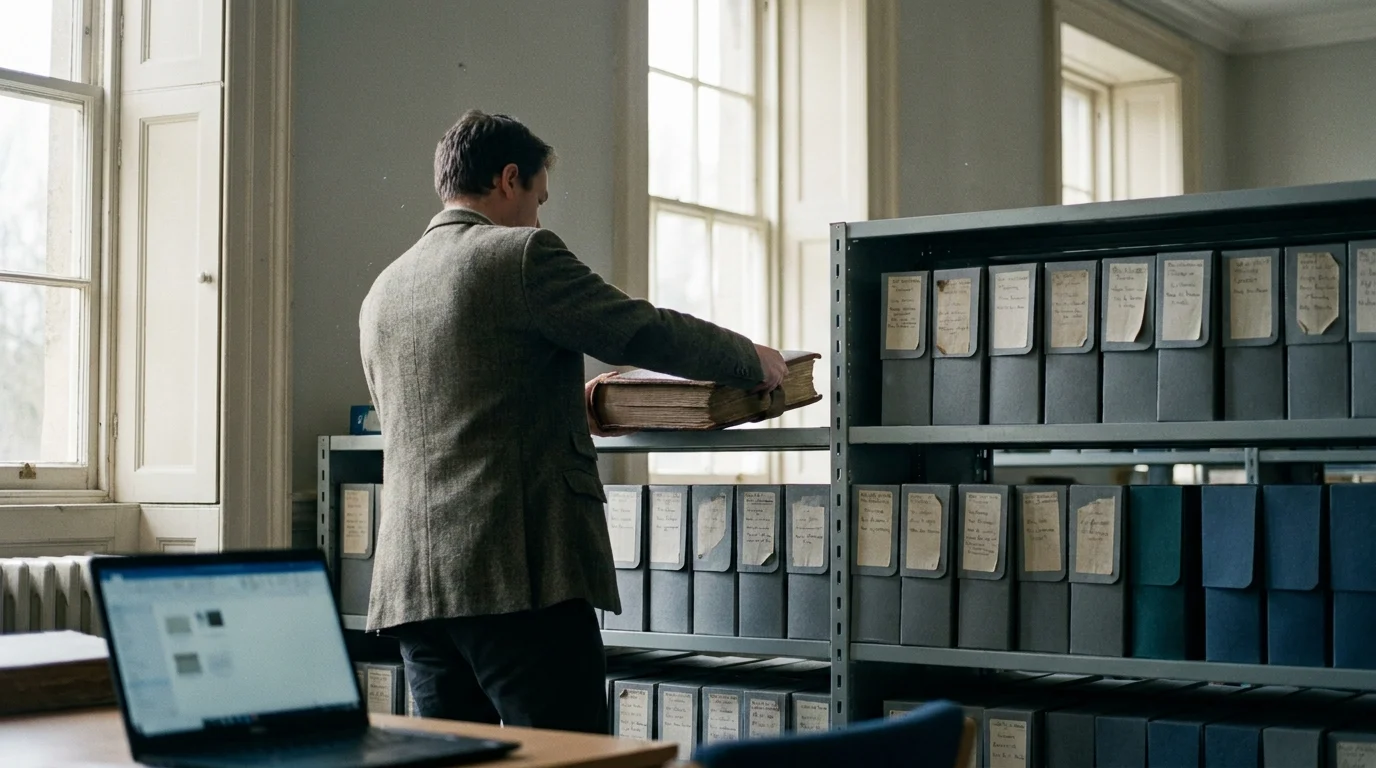
Company Checks
Due diligence on a business with official registers: is the company real, active and who it says it is?
- How to check if a company is legit: the due-diligence routine
- Business lookup: searching official state registers
- LLC lookup in California: the bizfile search
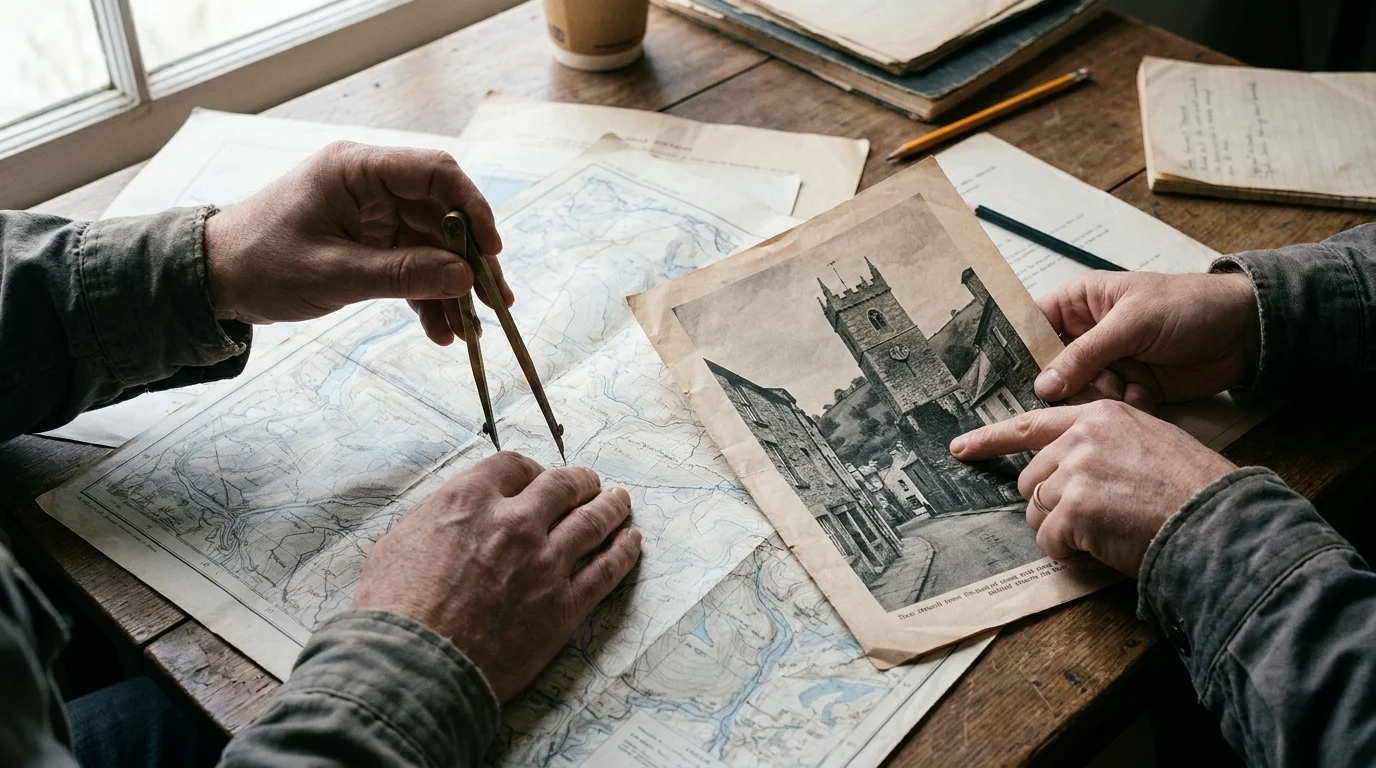
Every answer is checked twice and written down.
Above: a news photo is compared with a map, landmark by landmark, before anyone says where it was taken. The same five steps run under every skill on this site, whether it is a photo, a text message or a company register.
- Step 01PlanWrite down one clear question and why you are allowed to ask it.
- Step 02CollectGather from public sources only. Save each page with its address and the time.
- Step 03VerifyCheck every key fact against a second, independent source.
- Step 04RecordLog what you found, where, when and how you checked it.
- Step 05ShareGive the answer with its limits, and leave private people out of it.
Five questions we ask before we look anything up.
Open-source skills can protect people or hurt them. So every method page on Osintian carries a box titled “Is this lawful and ethical?”, and every search starts with these five questions. If the last answer is yes, we stop and teach the defence instead.

What we teach, and what we never will.
People-search sites come up a lot in this field. On Osintian they appear in one way only: how to take your own record off them. We do not link to their search pages and we take no money from them.
We teach
- Checking whether a photo, video or claim in the news is real
- Checking a text, email or website before you trust it
- Due diligence on a business before you pay or sign
- Searching for yourself, and removing what you can
- Checking your own email against known breaches
- The laws that protect you: FCRA, CCPA, GDPR
We never teach
- Finding a private person's home, phone, workplace or routine
- Following a partner, ex, child or co-worker
- Getting past logins, paywalls or privacy settings
- Fake accounts used to deceive real people
- Searching leaked or stolen data about anyone
- Background checks for jobs, housing, credit or insurance
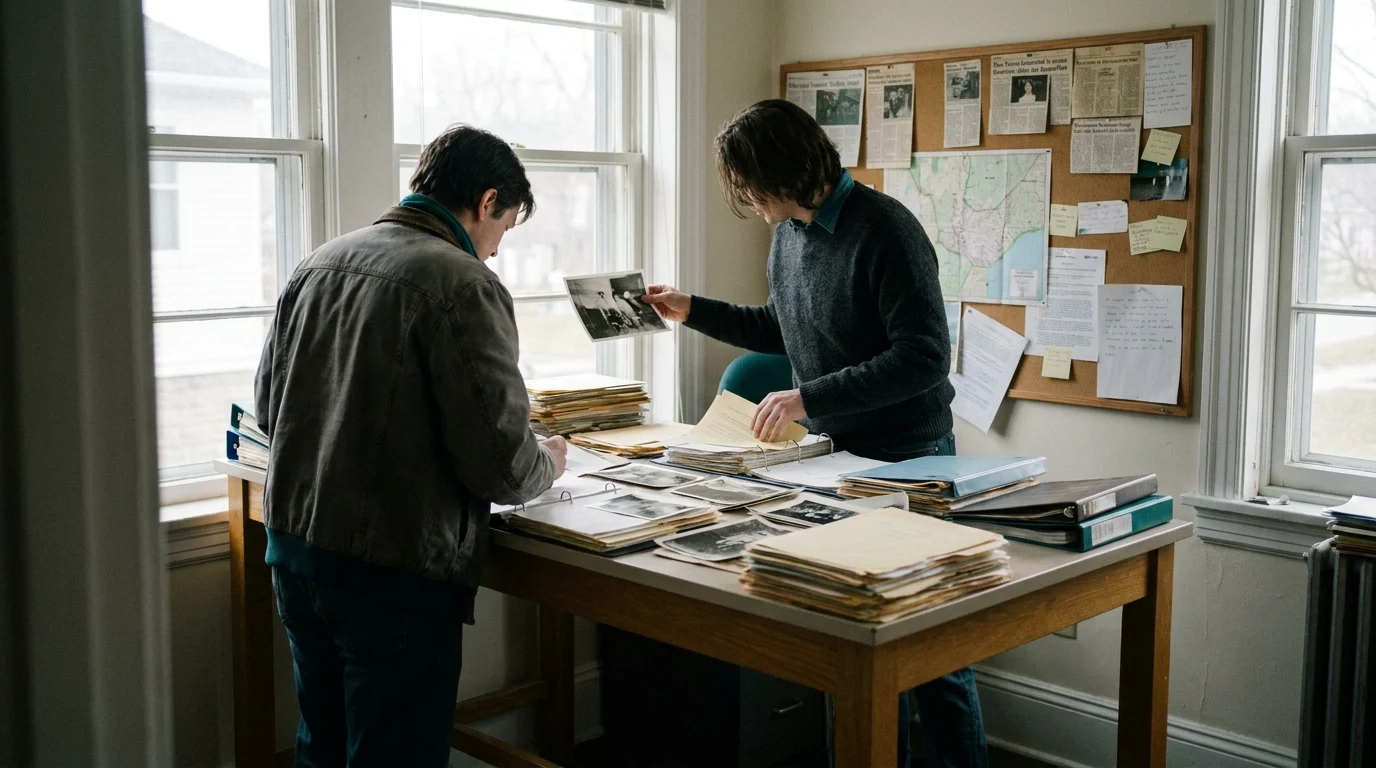
The same habits a fact-checker uses, in plain English.
Newsrooms, fraud teams, compliance analysts and human-rights researchers do this work every day. Their habits are not secret: write the question down, save the source, check it twice, say what you could not confirm.
Our worked examples use fictional people, organisations and places, or public figures acting in their public role. Never a real private person. And every tool we mention carries the date we last looked at it, because tools change fast.

Pick one skill. Learn it properly.
Most people start with the photo metadata case file or the scam message checks. Both take an evening, and both protect you the next day.